

Intro to 3D Animation
$200
About this course
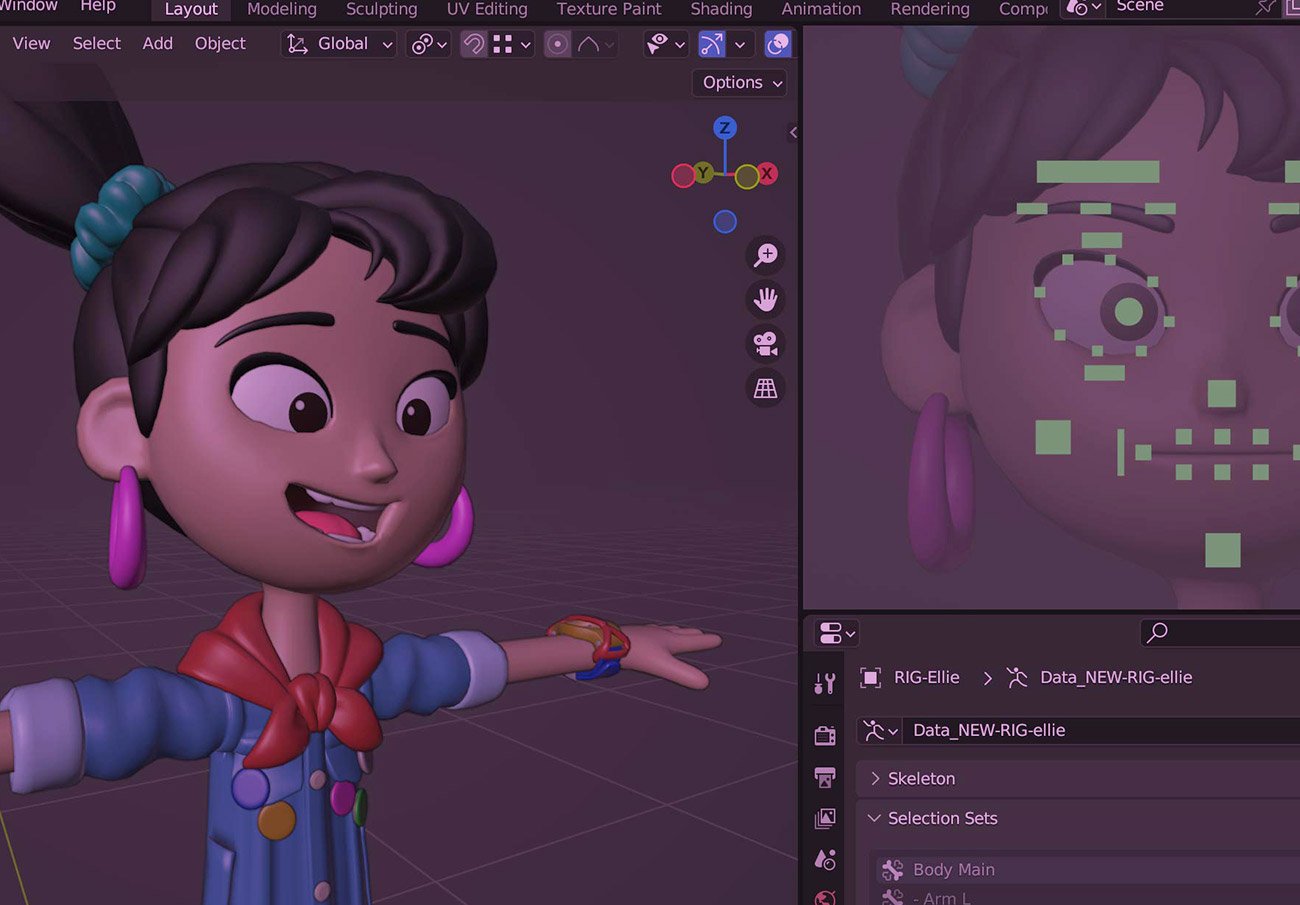
Welcome to Introduction to Animation with Blender, a beginner-friendly course designed to get you animating right away using Blender—the powerful, free 3D software trusted by professionals worldwide. In this course, you’ll work with high-quality, free animated characters provided by Blender, so you can focus on learning the core principles of animation without the added complexity of modeling or character creation. Whether you’re brand new to 3D or looking to sharpen your skills, this class lays the foundation for bringing your ideas to life. As the first in a series of upcoming Blender courses, you’ll build the essential techniques here that will prepare you for more advanced animation, character rigging, and world-building lessons coming soon.
Other Instructors / Other Courses


FAQs
Minimum Computer Requirements?
Blender makes it easy! Check out their site here for specific details.
How much time per week is the course?
We will meet twice per week. The first time to discuss the techniques, the second to trouble-shoot any issues students are having or to address the assignment. This time, combined with project assignments could equal up to 3-4 hours per week.
Will there be 2D animation?
Not in this class, but we are working on a 2D course in the future. This class however will be a prerequisite for any 2D class offered.
Do I have to take all the 3D classes to learn animation?
While we will be offering multiple animation courses, you do not need to take them all. The classes will just help you learn faster, but after the first class you will have a great foundation if you wish to study on your own!
I love cartoons, will this make me good at animation?
The short answer is no! The real question is whether you have the patience to sit for hours perfecting your work—making your animation look truly convincing, alive, and real. If you thrive on that kind of challenge, you’ll absolutely love the animation process.
Syllabus
The Intro to Animation courses teach beginners to animate using shapes and free 3D characters — no modeling required! This course focuses on fundamentals, the first in a series of Blender courses that guide students toward advanced animation skills.
Week 1
Foundations
Week 2
Week 3
Week 4
Week 5
Week 6
Week 7
Week 8